
GiveCard - Setting up your new card
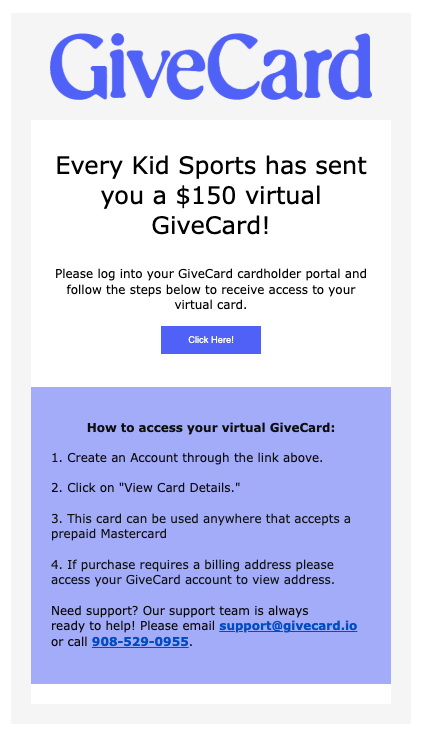
Once you receive your Welcome email from GiveCard in your email inbox, you can create your GiveCard account. That email has everything you need to log in and access your funds.
This is what it looks like:
Can't find it? Check your spam or junk folder. You can also search for "GiveCard" in your email search bar.