
How do I sign in to GiveCard?
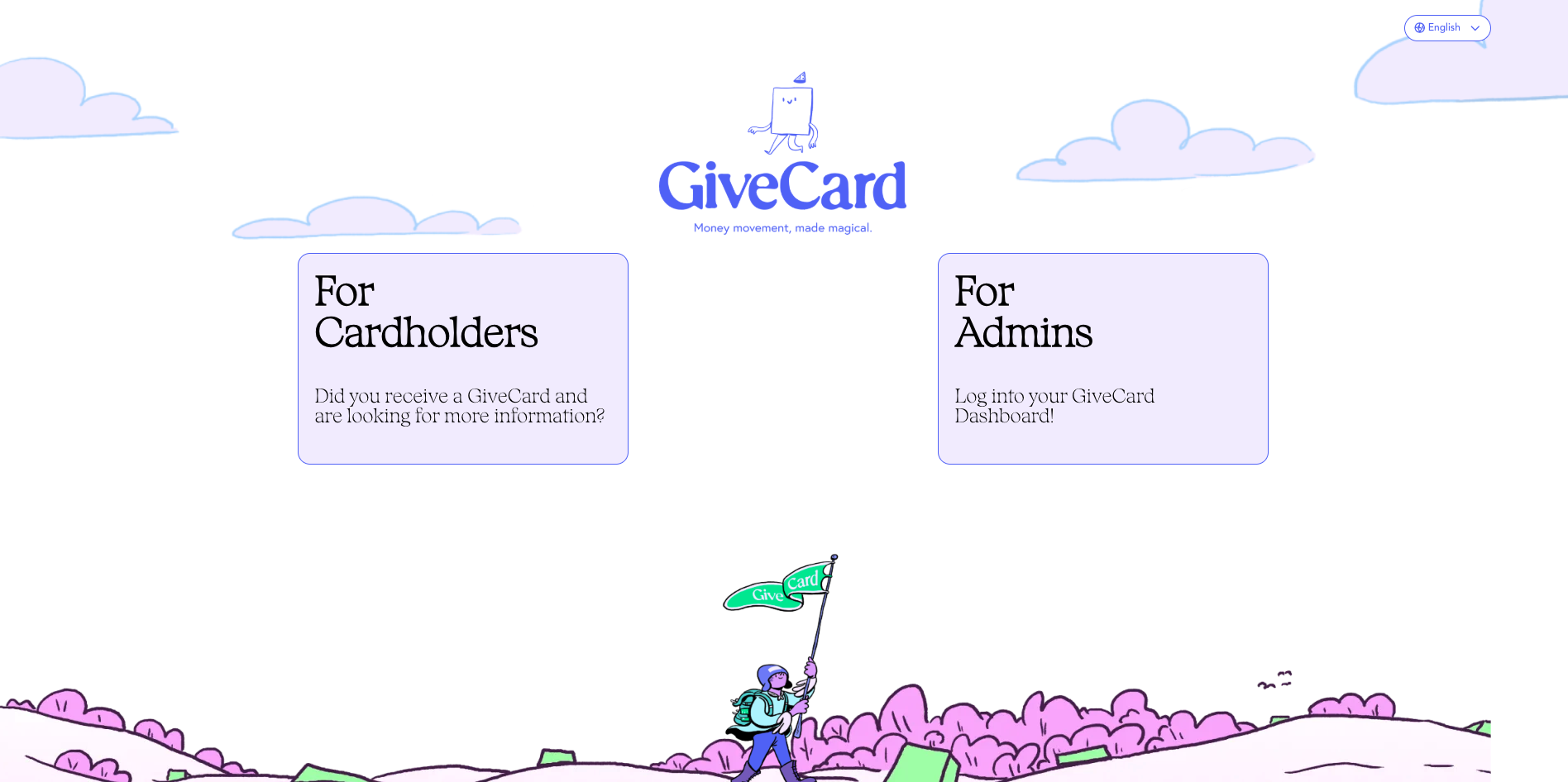
Step 1: Open your browser to givecard.com click "Sign in" in the upper right hand corner.

Step 2: Select "For Cardholders"
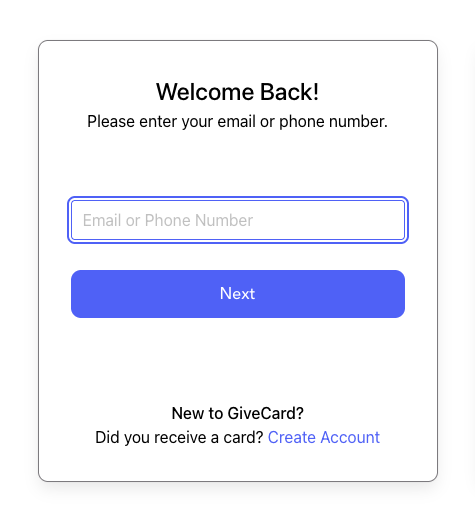
Step 3: Enter your email or phone number as prompted.
Submit a ticket here if you need any additional assistance with your GiveCard account. Please include the following in your email:
- Your First and Last name
- The email address you used when you applied for the Every Kid Sports Pass
- The reason you are emailing them for support